


ブラウザでゴースト大量発生
~ゴーストフェスティバルのブックマークレット~
ブラウザの「お気に入り」は
普通はページを開くためのものですが、
実は JavaScriptを登録すると小さなツールとして使うことができます。
こうした仕組みは ブックマークレット と呼ばれます。
今回は遊びネタとして、
ページにゴーストを登場させるブックマークレット
を作ってみます。
クリックすると、
ページ内でゴーストが次々と登場します。
仕組み:ブックマークレット(Bookmarklet)
ブックマークのURL欄に javascript: ... を入れておくと、
そのブックマークをクリックした瞬間に JavaScript が実行されます。
次の JavaScript を使います。長いですが 1行で書かれた JavaScript です。
JavaScript:
javascript:(()=>{const layerId="__ghost_swarm_layer__";let layer=document.getElementById(layerId);if(!layer){layer=document.createElement("div");layer.id=layerId;layer.style.position="fixed";layer.style.inset="0";layer.style.pointerEvents="none";layer.style.zIndex="2147483647";document.body.appendChild(layer);window.__ghostSwarmActors__=[];if(!window.__ghostSwarmRAF__){const tick=(now)=>{const actors=window.__ghostSwarmActors__||[];for(let i=0;i<actors.length;i++){const a=actors[i];if(Math.random()<0.012){a.vx+=(Math.random()-.5)*0.7;a.vy+=(Math.random()-.5)*0.7;const m=Math.hypot(a.vx,a.vy)||1,lim=2.2;if(m>lim){a.vx=a.vx/m*lim;a.vy=a.vy/m*lim}}a.x+=a.vx;a.y+=a.vy;if(a.x<0){a.x=0;a.vx=Math.abs(a.vx)}if(a.y<0){a.y=0;a.vy=Math.abs(a.vy)}if(a.x>innerWidth-a.s){a.x=innerWidth-a.s;a.vx=-Math.abs(a.vx)}if(a.y>innerHeight-a.s){a.y=innerHeight-a.s;a.vy=-Math.abs(a.vy)}const bob=Math.sin(now/180+a.phase)*2.5;a.el.style.transform=`translate(${a.x}px,${a.y+bob}px)`}window.__ghostSwarmRAF__=requestAnimationFrame(tick)};window.__ghostSwarmRAF__=requestAnimationFrame(tick)}}const colors=["#ff4b5c","#5cf0ff","#ffb84d","#ff78d1","#7cff6b"];const ghostSVG=(color)=>%60<svg viewBox="0 0 100 100" width="40" height="40" xmlns="http://www.w3.org/2000/svg"><defs><filter id="gs${Math.random().toString(36).slice(2)}"><feDropShadow dx="1.5" dy="2" stdDeviation="1.4" flood-opacity=".22"/></filter></defs><g><path d="M18 88 L18 42 C18 22 34 10 50 10 C66 10 82 22 82 42 L82 88 L72 80 L62 88 L50 80 L38 88 L28 80 Z" fill="${color}"/><circle cx="40" cy="44" r="10" fill="#fff"/><circle cx="60" cy="44" r="10" fill="#fff"/><circle cx="43" cy="47" r="4.5" fill="#1a3cff"/><circle cx="63" cy="47" r="4.5" fill="#1a3cff"/></g></svg>%60;for(let i=0;i<5;i++){const el=document.createElement("div");el.style.position="fixed";el.style.left="0";el.style.top="0";el.style.width="40px";el.style.height="40px";el.style.willChange="transform";el.innerHTML=ghostSVG(colors[i%colors.length]);layer.appendChild(el);(window.__ghostSwarmActors__=window.__ghostSwarmActors__||[]).push({el,x:Math.random()*Math.max(20,innerWidth-50),y:Math.random()*Math.max(20,innerHeight-50),vx:(Math.random()*1.6+0.6)*(Math.random()<.5?-1:1),vy:(Math.random()*1.6+0.6)*(Math.random()<.5?-1:1),s:40,phase:Math.random()*10})}})();
手順:
① どんなページでもいいので、いったんお気に入りに登録する。
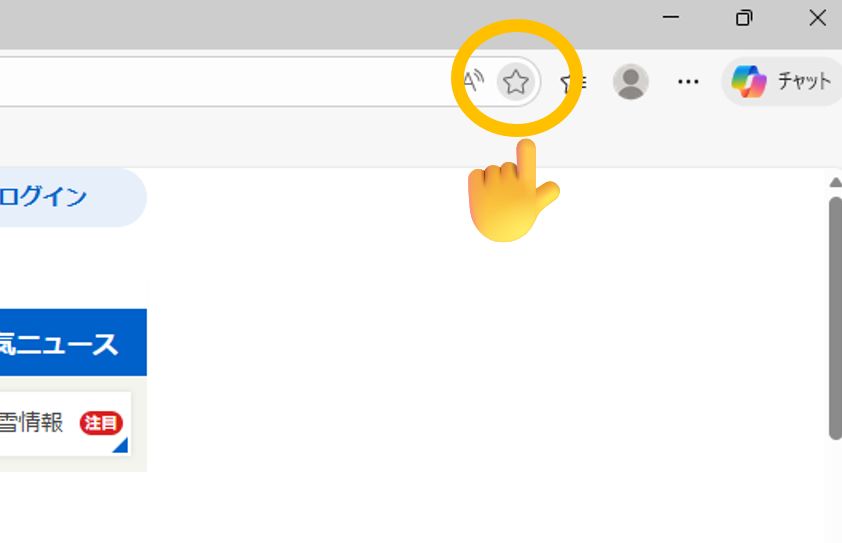
② 登録したお気に入りを右クリックして、「編集」をクリック。
③ 先ほど紹介した JavaScript をコピーする。
④ 名前を「ゴーストフェスティバル」にして、URL欄に JavaScript を貼り付ける。
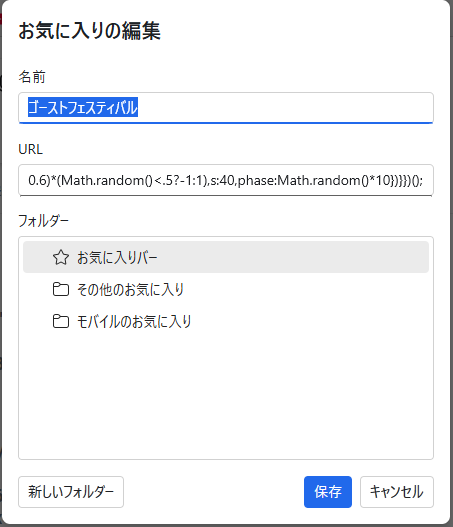
これで完成です。
たとえば、Yahooページでお気に入りをクリックすると…
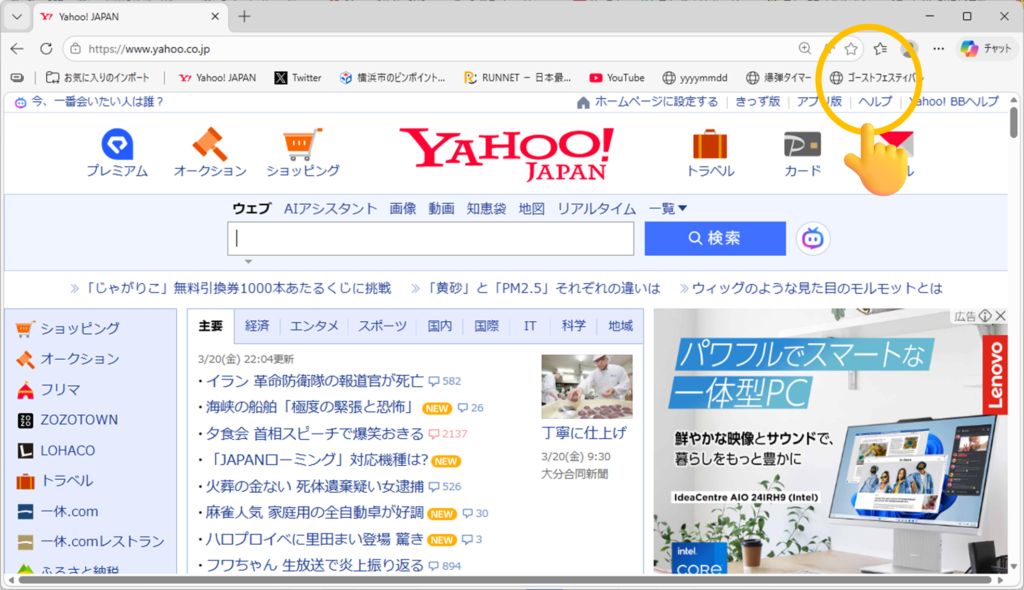
ゴーストが次々と登場します!
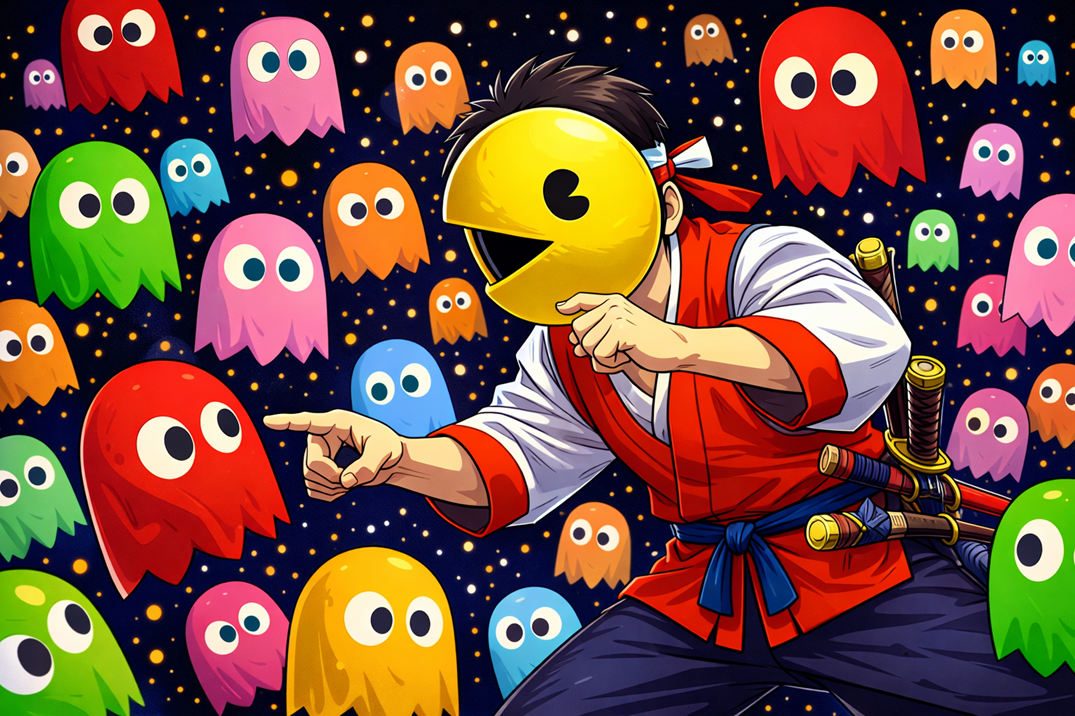
動画:



コメントを残す