■ 最新の投稿

Teams技:ファイル添付を一瞬で開くショートカットはAlt+Shift+O!

Teamsの Alt+Shift+O が地味に便利すぎる件

Teamsでチャット中に、
ファイルを添付するとき、いつもこうなりませんか?

  • マウスで下の方を見る
  • 📎(クリップ)を探す
  • クリック
  • メニュー出る

…地味に多い。

これを一発で出すショートカットがあります!

ショートカット:

何が起きるか

押すと、

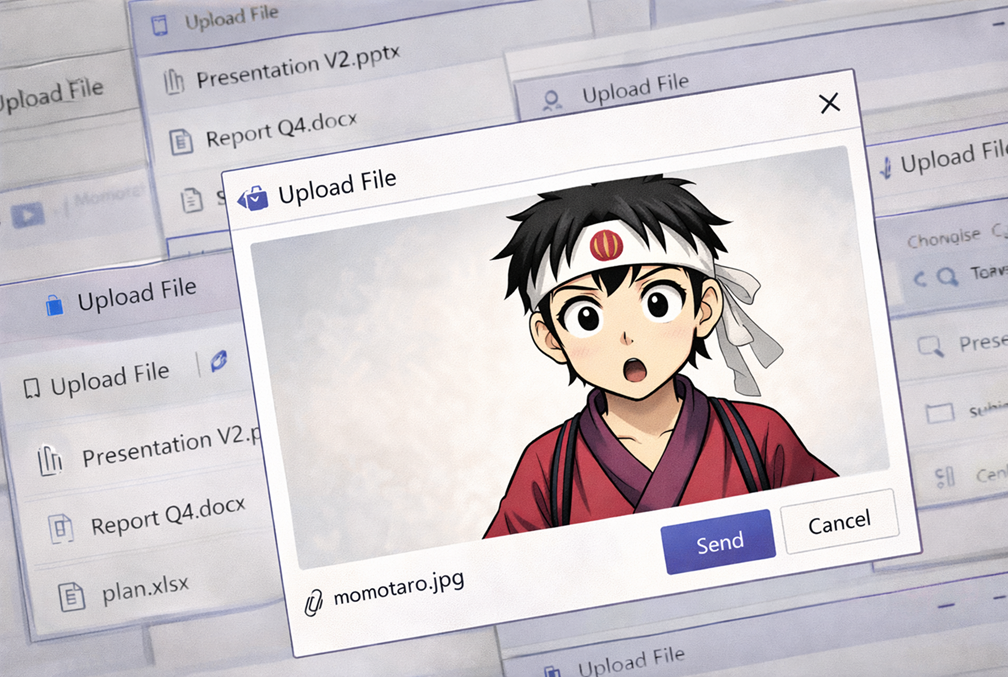
👉 「ファイルを添付」メニュー

  • OneDrive
  • PCからアップロード
  • 最近使ったファイル

あの画面です。

まとめ

Teamsは、

  • 表に出てるUIは分かりやすい
  • でもショートカットは闇

Alt+Shift+Oはその中でも、

「知らない人は一生マウスでクリップ探すやつ」

の代表格。

今日からは、
ファイル添付は反射で Alt+Shift+Oですね!


Comments

“Teams技:ファイル添付を一瞬で開くショートカットはAlt+Shift+O!” への3件のフィードバック

  1. I’m not suгe where you are getting your infο, but good
    topic. I needs to spend some time learning muϲh more or understanding morе.
    Thаnks for wonderfᥙl info I was looking
    fоr this info for my mission.

    my site; digital banking

  2. Hi there just wanted to give you a quick heads
    up. The words in your post seem to be running
    off the screen in Chrome. I’m not sure if
    this is a formatting issue or something to do with browser compatibility
    but I figured I’d post to let you know. The style and design look great
    though! Hope you get the problem solved soon. Cheers

  3. I’m gone to convey my little brother, that he should also visit
    this webpage on regular basis to obtain updated from latest news update.

コメントを残す

メールアドレスが公開されることはありません。 が付いている欄は必須項目です